InVideo
We may earn a commission if you sign up through our link · Affiliate disclosure
Facts verified:
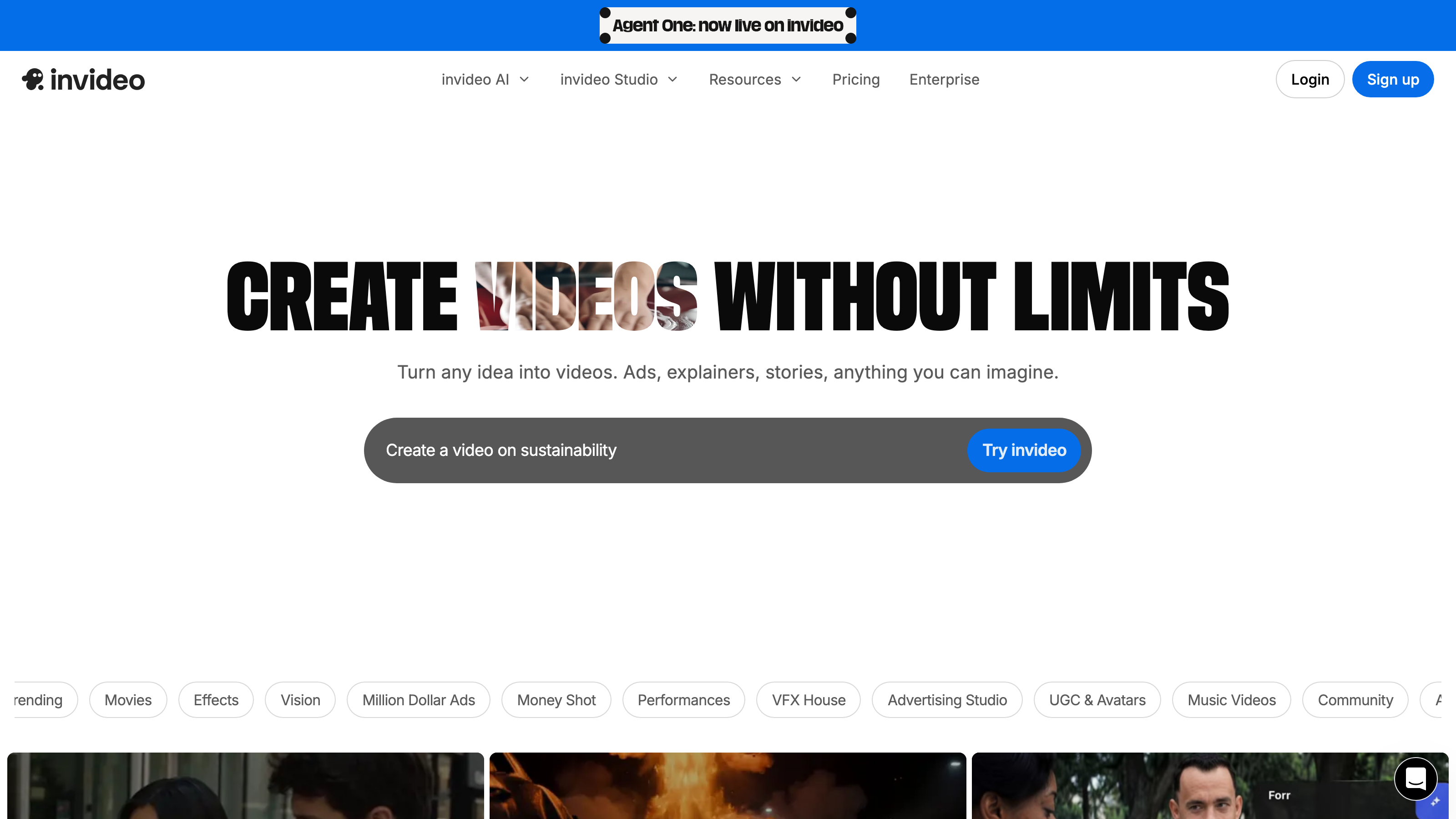
InVideo Review: AI Video Generation at Scale - Is It Worth It?
TL;DR
This InVideo review covers an AI-powered video creation platform built for teams and creators who need to produce video content at volume without a large editing budget. InVideo combines AI agents, avatar generation, voice cloning, and access to 200+ AI models into one web and mobile platform. As of July 2026, paid plans start at $17/month (billed annually at $200/year), and InVideo is best suited to marketing teams, content creators, and agencies that prioritize output speed and creative scale over manual fine-tuning.
Overview
InVideo sits in the growing category of AI Apps for Videos - platforms that replace or significantly reduce the manual effort of video production. The core problem it addresses is simple: producing video content at the pace modern marketing and content distribution demands is expensive and slow when done by hand. Hiring editors, sourcing footage, cutting variants, adding subtitles, and exporting platform-specific formats can stretch a small team's capacity quickly.
InVideo consolidates those steps. You bring a prompt, a script, or a concept. The platform's AI handles generation, editing, captioning, and export. The credit-based pricing model gives buyers a predictable cost structure rather than unpredictable per-project invoices.
The platform is available on both web and mobile, making it accessible whether you are working at a desk or approving content on the go. It carries a Trending badge and is Featured among AI video tools, reflecting current market attention from creators and business buyers alike.
For buyers evaluating this tool today: pricing and feature details in this InVideo review were verified from the official site at invideo.io in July 2026.
Key Features
AI Agents (Agent One) and Long-Term Memory
The most structurally interesting feature in this InVideo review is Agent One, InVideo's AI agent system. Instead of clicking through menus to build a video step by step, you describe what you want in plain language. The agent interprets the intent and executes the workflow.
The Long-Term Memory for Agents feature extends this: the system retains brand preferences, style choices, tone settings, and past output patterns so agents improve their accuracy across sessions. For teams running recurring campaigns - weekly social posts, ongoing ad creative tests, monthly training content - this reduces the time spent re-explaining context from scratch. That is a practical efficiency gain, not just a marketing feature name.
AI Avatars and Voice Clones
InVideo includes AI Avatars and Voice Clones as core functionality. AI avatars are generated on-screen presenters you can use in place of filming a human on camera. Voice clones let you create a consistent audio persona - either from a provided voice sample or from the platform's existing library - without recording new audio every time content changes.
For businesses producing frequent instructional videos, onboarding materials, or product walkthroughs, this means you can update a script and regenerate a finished video without scheduling a studio session. This feature set maps directly to use cases in Education and Training, Corporate Communications, and AI-Powered Support Content.
Access to 200+ AI Models Including Seedance 2.0, Veo 3.1, and Kling 3
InVideo provides access to more than 200 AI models, including Seedance 2.0, Veo 3.1, and Kling 3. All plans - from Plus through Elite - include access to all of these models and all AI workflows. This is notable because some competing platforms tier model access by price, reserving newer or higher-quality models for top-tier subscribers only. Here, model access is consistent across tiers; what varies is the volume of credits available each month.
This matters for buyers who need consistent visual quality across projects regardless of budget tier. A Plus plan subscriber gets the same generation engine as an Elite subscriber - they receive fewer credits per month, not a weaker toolset.
Stock Media Access
Stock Media Access is included across InVideo plans, meaning you are not required to source and license footage separately for every project. For video creators producing content at volume, this reduces both cost and time. The platform combines stock media with AI-generated visuals, giving editors options for how to fill scenes without having to leave the platform.
On-Demand Credit Top-Ups
The credit system is central to how InVideo works, and On-Demand Credit Top-Ups make it flexible. If you exceed your monthly credit allocation before the billing cycle resets, you can purchase additional credits rather than immediately upgrading to a higher plan. This prevents workflow interruptions during a high-output period - a product launch, a campaign sprint, a content batch - without committing to a permanent plan increase.
Unlimited Exports Without Watermark
Across all paid plans, InVideo offers Unlimited Exports Without Watermark. This is a significant practical detail. Several competing platforms restrict export volume or add watermarks at lower price points, which creates friction for any professional use. InVideo removes that limitation on paid tiers, which makes even the entry-level Plus plan usable for client-facing or published content.
InVideo: Pricing
InVideo uses a subscription pricing model with four paid tiers, all billed annually. A free option is available, and a Freemium access structure means you can explore the platform before committing to a paid plan. A Free Trial path exists depending on tier and access level.
The four paid tiers are:
- Plus: $17/month (billed $200 per year) - includes 75 credits per month, access to all AI models including Seedance 2.0, Veo 3.1, and Kling 3, and access to all AI workflows.
- Max: $85/month (billed $1,000 per year) - includes 390 credits per month, same model and workflow access as Plus.
- Generative: $170/month (billed $2,000 per year) - includes 800 credits per month, same model and workflow access.
- Elite: $900/month (billed $10,800 per year) - includes 4,250 credits per month, same model and workflow access.
The progression is strictly about credit volume. All plans receive identical model access, which simplifies the buying decision considerably. The core question is: how many videos are you generating per month, and how many credits does your typical output consume?
On-Demand Credit Top-Ups are available across plans, providing a buffer for high-volume periods without requiring an immediate upgrade.
Note that all prices listed reflect annual billing. Monthly billing rates are not listed in the verified product data, so buyers should confirm current monthly billing options directly with InVideo.
Who It's Best For
Marketing Teams and Agencies
Teams running paid social or video advertising campaigns need creative volume to test effectively. InVideo's ability to generate multiple variants from a single concept - different hooks, lengths, and formats - matches the workflow of Paid Social Media Marketing and Paid Advertising teams. The credit system makes cost-per-asset predictable, which helps agencies scope deliverables for clients.
Content Creators and Influencers
Video Creators and Influencers producing regular content for YouTube, TikTok, or Instagram can use InVideo to remove the bottleneck between having an idea and having a finished cut. Subtitle Generation and export flexibility reduce post-production time. The Freemium entry point means new creators can test the workflow before committing to a Subscription.
Educators and Corporate Training Teams
AI Avatars and Voice Clones combined with a repeatable generation workflow make InVideo practical for teams producing educational videos and AI-Generated Training Materials. You can update a module's script and regenerate a polished video without reshooting or re-recording. This is useful for teams with ongoing curriculum updates or compliance training schedules.
Startups and Small Businesses
For Startups and Small Businesses that cannot afford a dedicated video production resource, InVideo provides a way to produce Automated Marketing Collateral, product demos, and social content in-house. The Plus tier at $17/month is a meaningful cost entry point compared to freelance video production rates, which commonly run $500 or more per finished minute for professionally edited content.
Not the Right Fit: Broadcast or Cinematic Production
If your work requires frame-level color grading, custom motion graphics, complex compositing, or deliverables for broadcast or film, InVideo is not the right tool. It is built for digital content at scale, not for cinematic precision or highly customized visual effects work. Buyers in that category should look at professional editing software like DaVinci Resolve or Adobe Premiere Pro instead.
Alternatives
Synthesia focuses specifically on AI avatar-based video production for corporate and training content. It is a strong alternative for teams whose primary use case is presenter-style videos, particularly for Education and Training or Corporate Communications. It generally offers fewer generative AI model options than InVideo but has a more focused interface for avatar-first workflows.
Runway
Runway targets video creators and Editing and Post-Production professionals who want generative AI tools alongside more precise editing capabilities. It offers strong Text-to-Video Generation and video editing features, though its pricing structure and credit model differ from InVideo's. It may suit creators who want more manual control over output rather than agent-driven automation.
Pictory is aimed at content creators who want to turn long-form text or video content into shorter clips and social cuts. It is a narrower tool than InVideo - focused on Video Clipping and repurposing rather than full video generation from prompts. For teams whose main need is repurposing existing content, Pictory may be a simpler and more cost-effective fit.
FAQ
Is InVideo free to use?
InVideo offers a Freemium access structure, meaning there is a free tier available. This lets you explore the platform's interface and basic capabilities before purchasing a paid Subscription. The free tier likely has credit and export limitations compared to paid plans, but it provides a genuine entry point for evaluating the tool without upfront cost.
What are AI credits in InVideo, and how do they work?
Credits are the unit of consumption in InVideo's system. Each action - generating a video, creating an AI avatar sequence, running a voice clone - uses a number of credits. Plans are defined by how many credits you receive per month (75 on Plus, up to 4,250 on Elite). On-Demand Credit Top-Ups let you purchase additional credits if you exhaust your monthly allocation before the cycle resets.
Can I use InVideo for commercial projects?
The verified product data confirms Unlimited Exports Without Watermark on paid plans, which supports commercial use. Buyers should confirm the specific commercial licensing terms for AI-generated content and stock media directly with InVideo, as those details were not fully specified in the verified product data available for this InVideo review.
Does InVideo work on mobile?
Yes. InVideo is available on both web and mobile platforms. This makes it accessible for creators and team members who need to review, approve, or generate content away from a desktop browser.
What AI models does InVideo give access to?
All InVideo paid plans include access to 200+ AI models, including Seedance 2.0, Veo 3.1, and Kling 3. Access to these models is not restricted to higher tiers - Plus subscribers get the same model library as Elite subscribers. The difference between plans is monthly credit volume, not model availability.
InVideo: Final Verdict
InVideo is a well-structured platform for teams and creators who need to produce AI-generated video content at volume and with consistency. Its strongest differentiator in this InVideo review is the combination of AI Agents with Long-Term Memory, access to 200+ AI models across all paid tiers, and a flexible credit system that does not penalize buyers for being on a lower plan.
The ideal buyer is a marketing team, agency, or content creator who is already producing video regularly and wants to increase output speed without proportionally increasing cost or headcount. It also fits educators and corporate training teams that need a repeatable, avatar-driven production workflow.
The key caveat is credit transparency. Before committing to a plan - especially the $200/year Plus or $1,000/year Max - buyers should directly confirm with InVideo how many credits their typical project types consume. Without that information, choosing between tiers is difficult, and the gap between plans (75 versus 390 credits monthly) is large enough that picking the wrong one creates either overspending or production bottlenecks.
The facts.
Pulled from InVideo’s own pages and dated so you can see how current each one is. Anything we could not confirm is left out rather than guessed.
- Starting price / month
- $17/mo checked Oct 2026
- Cheapest paid tier
- $17/mo checked Oct 2026
- Pricing model
- Flat checked Oct 2026
- Platforms
- web, mobile checked Oct 2026
InVideo pricing.
Pricing extracted from InVideo's site. Confirm before buying.
Pros & cons.
We don’t publish star ratings we can’t defend. These come from running InVideo on live briefs.
AI-generated analysis; edited and accountable: Tom Young. Data is verified from vendor sites on a dated schedule, not hands-on trials.
- Verified
- July 2026
- Pipeline
- 2026.07.04-1
- Checks run (2)
- author, quality_review
- SEO score
- 71
- Evidence sources (1)
- invideo.io