
OpusClip
We may earn a commission if you sign up through our link · Affiliate disclosure
Facts verified:
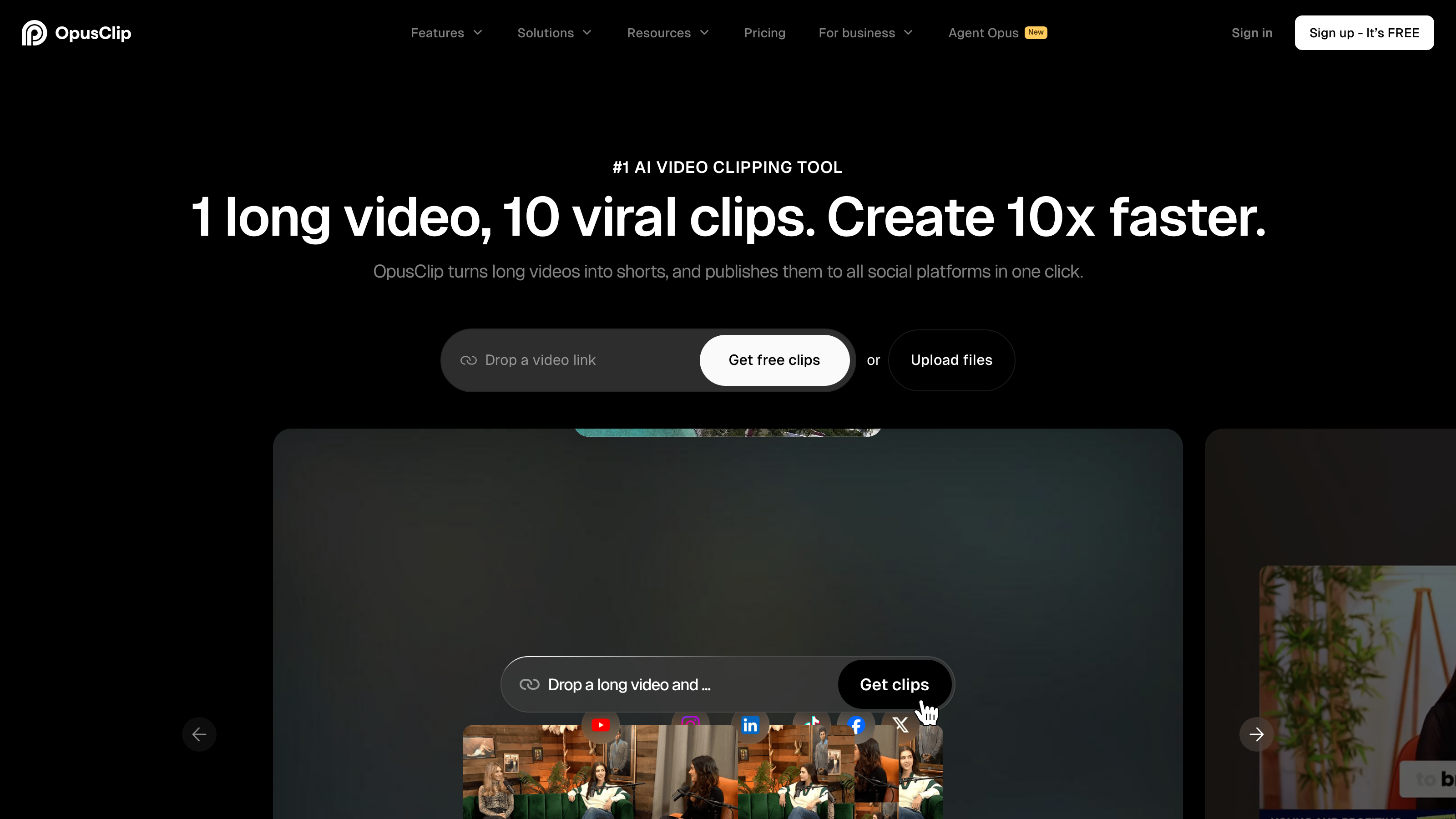
OpusClip Review: A Practical Look at AI-Powered Video Clipping for Social Media
TL;DR
OpusClip is an AI-powered video repurposing platform that automatically converts long-form video into short, social-ready clips. As of July 2026, paid plans start at $15/month (Starter) and $29/month (Pro), with a free tier at $0/month offering 60 credits per month. OpusClip suits content creators, marketing teams, agencies, and podcasters who produce long videos regularly and need to distribute clips across multiple platforms without hiring dedicated editors.
Overview
OpusClip sits in a crowded but still-maturing category: AI video repurposing tools. The core problem it solves is real and widely felt. A one-hour webinar, podcast episode, or YouTube video contains dozens of shareable moments, but cutting them manually takes hours of skilled editing time. Most creators and marketing teams simply skip that work, leaving content value on the table.
OpusClip addresses this by applying multimodal AI - analyzing audio, visuals, pacing, and speech together - to locate the strongest moments in a video and package them as ready-to-post clips. The platform is Cloud / Web-Based, so there is no desktop install required. Users upload a video or paste a URL, and the system returns a set of ranked clips with captions, auto-reframed aspect ratios, and optional enhancements like AI B-Roll and Speech Enhancement already applied.
The platform covers the full short-form content workflow: identify, clip, enhance, caption, schedule, and publish. It connects directly to platforms including TikTok, YouTube Shorts, LinkedIn, Facebook, and Apple Podcasts, among others. Automation & Workflow features reduce the number of manual steps between raw footage and a published post.
Pricing and feature details in this review were verified from the official site in July 2026.
Key Features
ClipAnything
ClipAnything is OpusClip's most distinctive capability. Rather than scanning a transcript alone, it reads visual context, audio tone, and delivery pacing to find genuinely engaging moments. Users can type natural-language prompts - "find the best 30 seconds for LinkedIn" or "clip the funniest moment" - and the AI returns a targeted result. This Generative AI approach goes further than simple keyword detection, which scans only for specific words or phrases rather than meaning and context. ClipAnything is particularly useful for content creators and marketing teams who work across multiple formats and need clips that suit different platform audiences from the same source video.
Virality Score
Every clip generated by OpusClip receives a Virality Score - a numeric prediction of how likely that clip is to perform well on social media. The score is based on factors like hook strength, pacing, and content type. It gives users a fast way to prioritize which clips to post first without watching each one in full. This feature is available from the Starter tier upward and is not included in the free plan.
AI Animated Captions
OpusClip generates animated captions automatically, with support for more than 20 languages. Captions are styled and timed to match speech, which matters because most social feeds play video silently by default, meaning viewers read captions rather than hear audio. Multilingual Support makes the tool relevant for creators and businesses targeting international audiences. Caption accuracy depends on audio clarity, so noisier recordings may need manual correction.
AI B-Roll
The platform generates and inserts AI B-Roll to fill visual gaps or reinforce spoken content. It uses scene detection to match supplementary footage to the topic and tone of the clip. This lifts production quality without requiring users to source or license stock footage separately. For solo creators or lean marketing teams, this feature removes a step that would otherwise require a dedicated editor.
Filler and Silence Removal
OpusClip can strip filler words ("um," "uh," "like") and stretches of silence from clips automatically. Combined with Speech Enhancement, which cleans up audio quality, this is useful for podcast-sourced content or talking-head videos recorded in less-than-ideal conditions. Podcasters distributing clips to Apple Podcasts audiences or repurposing episodes for social will find this combination practical.
Auto Post to Social Media and Social Media Scheduler
Once clips are ready, users can publish directly to connected platforms or queue them using the built-in Social Media Scheduler. Supported publishers include TikTok, YouTube Shorts, LinkedIn Posts, Facebook Posts, Facebook Ads, and YouTube Ads. This Automation & Workflow capability keeps the entire process inside one tool and removes the need for a separate scheduling platform for video-specific content.
Brand Consistency and Templates
Pro and Business tier users get access to brand templates, custom fonts, and vocabulary settings. These Brand Consistency & Style controls help agencies and marketing teams maintain visual standards across every clip. Templates & Presets reduce the manual setup time when producing clips at volume across multiple clients or campaigns.
Export and Integrations
OpusClip clips can be exported directly to Adobe Premiere Pro and DaVinci Resolve for further editing. The platform also offers API Access - a programmatic interface that lets developers connect OpusClip to other software systems - and a Zapier Integration for connecting to third-party workflow tools. An MCP Connector extends automation options further. These integrations make OpusClip workable inside larger production pipelines rather than only as a standalone tool.
OpusClip: Pricing
OpusClip uses a freemium model with four tiers.
Free - $0/month: Includes 60 credits per month, clips rendered at up to 1080p, and Auto Reframe. This tier gives a functional sample of the platform but has no access to Virality Score or AI captions.
Starter - $15/month: Includes 150 credits per month, AI clipping with Virality Score, and AI Animated Captions in 20+ languages. This is the entry point for creators who want the core AI features regularly.
Pro - $29/month (or $14.5/month billed annually): Includes 3,600 credits per year available immediately, a Team workspace with 2 seats, and 2 brand templates. The annual billing rate cuts the effective monthly cost roughly in half, making this the most cost-efficient tier for regular users.
Business - Custom pricing: Designed for agencies and larger teams. Includes priority project processing, customized credits, variable team seats, tailored social account connections, and expanded brand asset controls including custom fonts and vocabulary. Buyers must contact OpusClip directly for a quote.
A Free Trial is available through the free tier, giving users a way to test the platform before committing to a Subscription. Enterprise / Custom pricing is available at the Business tier for organizations with higher-volume needs.
Who It's Best For
Content creators and video creators: Creators who produce long YouTube videos, livestreams, or video podcasts will find ClipAnything and the Social Media Scheduler directly useful. The platform converts one piece of content into multiple platform-specific clips without requiring manual trimming or caption work.
Marketing teams: Teams running organic and paid social campaigns benefit from the ability to test multiple clip variations quickly. The Virality Score helps teams prioritize without internal debate, and AI B-Roll fills production gaps when raw footage is limited. The platform's direct connections to Facebook Ads and YouTube Ads also support paid advertising workflows.
Agencies: The Pro and Business tiers include multi-seat workspaces, brand templates, and customized credits. Agencies managing video content for multiple clients can use Brand Consistency & Style features and Templates & Presets to maintain different brand identities across projects. The Business tier's tailored assets and priority processing reduce friction at volume.
Podcasters: Podcast teams can upload episode audio or video and let OpusClip handle clipping, caption generation, and publishing. The Filler and Silence Removal and Speech Enhancement features are particularly relevant here. Direct publishing to Apple Podcasts and social channels reduces the steps between recording and distribution.
Educators and training teams: Those producing Educational Videos or AI-Generated Training Materials from long recorded sessions - classes, webinars, onboarding videos - can use OpusClip to extract short instructional clips. The Multilingual Support in captions expands reach for global learning programs.
Not the right fit - solo video editors wanting precise control: OpusClip is built for speed and volume, not fine editorial control. A video editor who needs frame-precise cuts, complex color grading, layered audio mixing, or custom motion graphics will find the platform's output too automated. Tools like Adobe Premiere Pro or DaVinci Resolve are better suited to that work. OpusClip's export to those applications can serve as a starting point, but the platform is not a replacement for a full non-linear editing environment.
Alternatives
Descript: Descript takes a text-based editing approach, letting users edit video by editing a transcript. It suits creators who want precise control over dialogue cuts and screen recording. It includes transcription, filler word removal, and basic publishing, but it is less focused on automated viral clip detection than OpusClip.
Vidyo.ai: Vidyo.ai is a direct competitor in the AI clipping space. It offers automated short-clip generation from long videos with captions and social publishing. It is generally positioned at a lower price point than OpusClip's paid tiers, but has a narrower feature set - notably less depth in B-roll generation and brand customization.
Riverside.fm: Riverside focuses on high-quality remote recording for podcasters and video creators and includes a clip-making feature. It is a stronger choice if recording quality is the primary concern, but it is not built for high-volume clip production or advanced social automation the way OpusClip is.
FAQ
How many credits does OpusClip give on the free plan? The free plan includes 60 credits per month. Credits are consumed when generating clips. The number of credits a single video uses depends on its length and the number of clips generated. Users who need more credits must upgrade to the Starter plan at $15/month or higher.
Does OpusClip support languages other than English? Yes. AI Animated Captions support more than 20 languages. The platform also includes Video Dubbing as a listed feature, which extends multi-language support beyond captions. Specific language lists and dubbing quality by language are best confirmed directly with the vendor before committing to a paid plan.
Can OpusClip publish directly to TikTok and YouTube? Yes. OpusClip supports direct publishing to TikTok Posts, TikTok Reels, YouTube Shorts, and YouTube Videos, among other platforms. The Social Media Scheduler lets users queue posts rather than publishing immediately.
Is there an API for developers? Yes. OpusClip offers API Access, which allows developers to integrate clip generation into their own applications or automate workflows programmatically. A Zapier Integration and MCP Connector are also available for users who prefer no-code or low-code automation.
What is the difference between the Pro and Business tiers? The Pro plan at $29/month (or $14.5/month billed annually) includes 3,600 credits per year, 2 team seats, and 2 brand templates. The Business tier uses custom pricing and adds priority processing, flexible team seat counts, expanded social account connections, and tailored brand assets. Business is designed for agencies or larger organizations with needs that exceed the fixed Pro limits.
OpusClip: Final Verdict
This OpusClip review finds a platform that delivers genuine value for creators and teams who produce long-form video regularly and need to distribute it across social channels efficiently. The combination of ClipAnything, Virality Score, AI Animated Captions, and built-in scheduling covers the repurposing workflow end-to-end without requiring separate tools.
The ideal buyer is a content creator, marketing team, agency, or podcaster who is already publishing long videos and currently skipping the repurposing step because it takes too much time. The Pro plan at $14.5/month billed annually represents reasonable value for the credit volume and feature access it provides.
The key caveat is this: users who hit the credit ceiling on Starter or need more than two seats on Pro will face a significant jump to Business tier pricing with no public number attached. Anyone evaluating OpusClip at scale should factor in a direct pricing conversation before committing to the platform long-term.
The facts.
Pulled from OpusClip’s own pages and dated so you can see how current each one is. Anything we could not confirm is left out rather than guessed.
- Free tier
- Yes checked Oct 2026
- Starting price / month
- $15/mo checked Oct 2026
- Cheapest paid tier
- $15/mo checked Oct 2026
- Pricing model
- Flat checked Oct 2026
- API access
- Yes checked Oct 2026
- Platforms
- web, api checked Oct 2026
- Enterprise plan
- Yes checked Oct 2026
OpusClip pricing.
Pricing extracted from OpusClip's site. Confirm before buying.
Pros & cons.
We don’t publish star ratings we can’t defend. These come from running OpusClip on live briefs.