Udio
Facts verified:
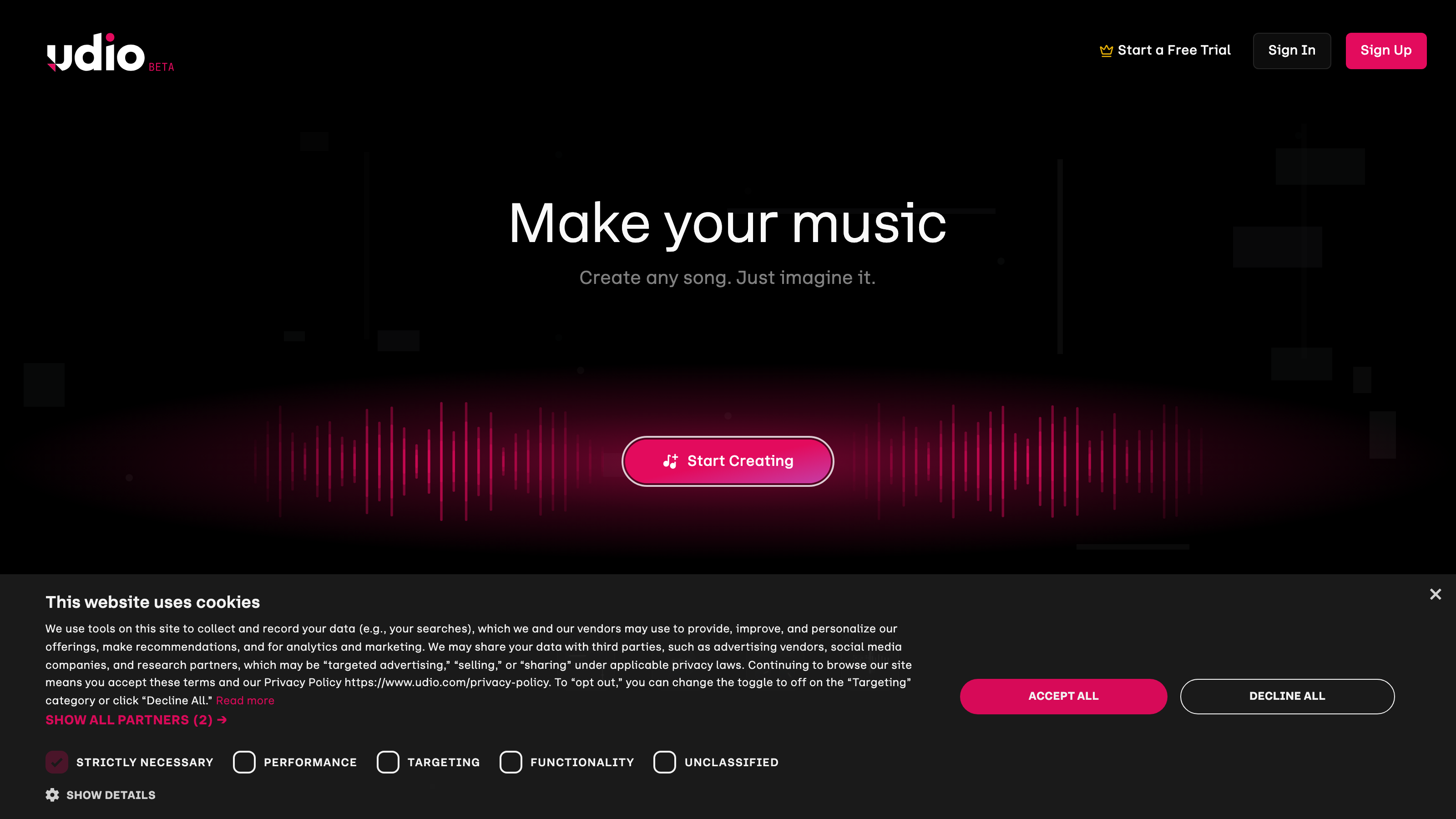
Udio Review: An Honest Look at the AI Music Generator Taking Text Prompts to Full Songs
TL;DR
This Udio review covers a web-based AI music platform that converts plain text descriptions into complete, vocals-included songs. Udio targets content creators, musicians, songwriters, marketing teams, and podcasters who need original audio fast, with plans ranging from $0 to $30/month (or $24/month billed annually) as of July 2026. The free tier allows up to 100 credits per month and 3 full-length generations per day, while paid plans remove that daily cap and unlock up to 10 simultaneous song generations.
Overview
Udio sits inside a growing category of AI apps for audio that treats music creation as a prompt-driven workflow. Instead of opening a digital audio workstation, loading plugins, and arranging tracks, a user types a short description - say, "upbeat reggaeton with male vocals and tropical percussion" - and the platform returns a finished song within seconds.
The core problem Udio addresses is access. Professional music production has historically required either significant technical training or a budget for licensing and composers. For a content creator running a YouTube channel or a startup building ad creative, neither option is always practical. Udio compresses that gap by putting AI music generation directly into a browser, with no software to install.
The platform is web-only, which means there is no desktop app, no mobile app, and no VST plugin. Generation, editing, and publishing all happen in the browser. This matters because it shapes how the tool fits into existing production pipelines - anyone who needs offline access or DAW integration will hit a hard wall.
Udio also functions as a light discovery and publishing platform. Users can make generated songs public, browse other creators' tracks, and build a profile. These features push it slightly beyond a pure utility tool into a community space.
This Udio review is grounded in verified pricing and feature data from the official product site. Pricing and feature details in this review were verified from the official site in July 2026.
Key Features
AI Song Generation from Text
The foundation of Udio is its text-to-song engine. You describe what you want - genre, mood, vocal style, tempo, instrumentation - and the model produces a track complete with lyrics, vocals, and mixing. This is generative AI applied to music at a level that goes beyond simple loop tools or tone generators. The output includes full mastering, not just raw stems.
Generation happens in parallel. Free users can generate up to 4 songs at the same time, which allows quick comparison of variations. Because AI outputs vary even from identical prompts, running multiple versions simultaneously helps users find the best result without waiting through a queue.
Extend and Inpaint
Once a song is generated, Udio provides tools to reshape it. Extend adds new sections to an existing track - useful for stretching a 30-second ad cut into a 90-second version. Inpaint lets users target specific portions of a song and regenerate just that segment, leaving the rest intact. This precision editing separates Udio from simpler one-shot generators that give you one output and nothing more.
Voice Control and Edit Music and Lyrics
Voice Control gives users the ability to shape vocal characteristics in the output. The Edit Music and Lyrics feature lets users revise lyrical content directly before or after generation. Together, these two tools mean you are not fully locked into the AI's first interpretation. You can steer the final output toward a specific direction without starting over from a blank prompt.
Style Reference, Blend Styles, and Reduce Styles
Udio includes three style-related tools that work as a system. Style Reference (listed under Create with Styles) lets users ground a new generation in a particular sonic reference. Blend Styles merges characteristics from multiple style inputs into a single output. Reduce Styles trims unwanted stylistic elements from a blend. For musicians and songwriters exploring genre experiments, this trio offers real compositional control without requiring music theory knowledge.
Premium Artist Styles
Beyond user-defined styles, Udio offers Premium Artist Styles - pre-built style templates tied to specific sonic profiles. These are available to paid plan holders and give users a faster starting point when they want a recognizable production aesthetic without building a style blend from scratch.
Cover Art Generation and Custom Cover Art Upload
Udio generates cover art automatically to accompany each track. Users can also upload custom artwork. This matters for content creators and marketing teams who want to package audio output as a release-ready asset, not just a raw audio file. It removes one additional step between generation and publication.
Song Publishing and Discovery, Simultaneous Song Generation, Adjust Song Access Permissions
Udio includes a publishing layer that lets users share songs publicly or keep them private, controlled through Adjust Song Access Permissions. The Song Publishing and Discovery feature surfaces public tracks in a browsable feed. Simultaneous Song Generation scales with each plan tier - 4 concurrent generations on Free, 6 on Standard, and 10 on Pro - which directly affects production throughput for heavy users.
Udio: Pricing
Udio uses a freemium model with three main tiers and two credit add-ons.
Free - $0/month Includes 10 credits per day and 100 credits per month with no rollover. Users can generate up to 4 songs at the same time. There is a hard limit of 3 full-length (2:10) song generations per day. This tier works for light experimentation but will feel restrictive for anyone producing content on a regular schedule.
Standard - $10/month (or $8/month billed annually) Provides 2,400 credits per month with no rollover. The 3-per-day cap on full-length generations is removed. Simultaneous generation scales to 6 songs at a time. This tier is designed for creators who need consistent volume without upgrading to the top plan.
Pro - $30/month (or $24/month billed annually) Provides 6,000 credits per month with no rollover and supports up to 10 simultaneous song generations. This plan includes all features from lower tiers and targets high-volume users - agencies, marketing teams, or musicians and songwriters generating large amounts of content on tight deadlines.
Credit Add-ons Users on any plan can purchase additional credits outside their monthly allocation. 100 credits cost $3.00. 1,000 credits cost $25.00. These add-ons cover occasional production spikes without requiring a full plan upgrade.
One limitation across all tiers: credits do not roll over month to month. Unused credits expire at the end of each billing period, regardless of plan.
Who It's Best For
Content Creators and Video Creators Anyone producing YouTube videos, Instagram reels, or TikToks needs a steady supply of background and foreground music. Udio's generation speed and the ability to match mood and genre to a specific video makes it more practical than searching stock music libraries for an exact fit. The free tier handles low-volume needs; Standard covers regular uploaders who publish multiple times per week.
Marketing Teams and Agencies Marketing teams producing ad creative benefit from fast, brand-aligned audio without per-track licensing fees. The Blend Styles and Style Reference tools let a team establish a sonic identity and reproduce it across multiple campaigns. Pro plan throughput - 10 simultaneous generations and 6,000 credits per month - matches agency-level production demands.
Musicians and Songwriters Udio works well as an ideation engine for musicians who want to test a concept before committing studio time. Generate a rough arrangement, use Inpaint to refine a section, and use the result as a structural reference. It is not a replacement for a full DAW, but it can accelerate the early stages of songwriting when you need to hear an idea quickly.
Podcasters Podcasters need intro music, transition stings, and episode-specific background tracks on a recurring basis. Udio's Extend feature makes it straightforward to produce a short theme and build out a longer version for different episode segments. The Cover Art Generation feature also handles podcast artwork inside the same workflow.
Startups and Small Businesses Small businesses that cannot afford a composer or music licensing fees can use Udio to produce original audio for product videos, explainer content, and social posts. The Standard plan at $8/month billed annually keeps costs low relative to per-track licensing, where a single commercial license can run $50 or more.
Not the Right Fit: Professional Audio Engineers and Music Producers Udio is a web-only tool with no stem export, no API access listed in the verified feature set, and no integration with DAWs like Ableton, Logic, or Pro Tools. A professional music producer who needs session-file control, individual track stems for mixing, or tight plugin integration will find Udio's output difficult to incorporate into a professional workflow. Tools with stem export or DAW-native integration serve that use case better.
Alternatives
Suno Suno is the most direct competitor to Udio. It also generates full songs from text prompts and has a freemium model. Suno's interface is slightly simpler, which may appeal to users who find Udio's style-mixing tools complex. The two platforms are close enough in core capability that pricing and community preference often decide between them.
Soundraw Soundraw targets the stock-music replacement use case more specifically. It generates royalty-free tracks with more explicit control over track length, instruments, and mood, but it does not produce AI-sung vocals in the same way Udio does. Content creators who need background instrumentals without vocals may find Soundraw's output more predictable and easier to edit.
Mubert Mubert focuses on generative, continuous background music - useful for streaming, study sessions, or ambient content. It is not designed for song creation with lyrics and vocals. If a user's primary need is AI music generation for background content rather than produced songs with vocals, Mubert is a focused alternative worth evaluating.
FAQ
Does Udio produce royalty-free music? Udio generates original songs using its AI models, and the platform is designed to let users publish and use their creations. However, commercial use rights and specific licensing terms should be confirmed directly with Udio's current terms of service before using generated tracks in paid advertising or commercial products.
What happens if I run out of credits mid-month? Users can purchase credit add-ons at any time: 100 credits for $3.00 or 1,000 credits for $25.00. These sit outside the monthly plan allocation. Credits do not roll over, so any unused add-on credits also expire at the end of the billing cycle.
Can Udio be used without any musical knowledge? Yes. The platform accepts plain text prompts and handles all production internally. A user with no knowledge of music theory, instrumentation, or mixing can produce a finished song by describing what they want in plain language. Tools like Voice Control and Inpaint add precision but are entirely optional.
Is Udio available as a desktop or mobile app? No. Udio is a web-only platform as of the verified data from July 2026. There is no iOS app, Android app, or downloadable desktop application. All generation and editing happens in the browser, which requires a stable internet connection.
What is the difference between the Standard and Pro plans? Standard provides 2,400 credits per month and 6 simultaneous generations for $10/month. Pro provides 6,000 credits per month and 10 simultaneous generations for $30/month, plus all features from lower tiers including Premium Artist Styles. The practical difference is throughput: Pro is built for users who generate large volumes of songs regularly and cannot afford the daily slowdown of a lower generation limit.
Udio: Final Verdict
Udio is a technically capable AI music creation platform that delivers genuine value for content creators, marketing teams, podcasters, and musicians and songwriters who need original audio produced quickly and affordably. Its Extend, Inpaint, and Blend Styles tools push it well above simpler one-shot generators and into territory that resembles a lightweight production suite. The free tier is an honest starting point, and the Standard plan at $10/month (or $8/month billed annually) is priced reasonably for regular content production when compared to per-track licensing costs.
The main structural limitation is clear: no credit rollover on any plan means users pay for capacity they may not always use, and the web-only, no-API architecture limits how far Udio fits into automated or professional production pipelines. For casual to mid-volume creators, those constraints are minor trade-offs. For developers or professional engineers who need system integration and stem-level control, Udio is not the right tool at this stage of its development.
If you produce content regularly and need original, vocals-included music without a composer's budget, this Udio review points to a clear recommendation: start with the free tier to confirm the output quality matches your needs, then move to the Standard plan for consistent production volume without daily generation caps.
The facts.
Pulled from Udio’s own pages and dated so you can see how current each one is. Anything we could not confirm is left out rather than guessed.
- Free tier
- Yes checked Oct 2026
- Starting price / month
- $3/mo checked Oct 2026
- Cheapest paid tier
- $3/mo checked Oct 2026
- Pricing model
- Flat checked Oct 2026
- Platforms
- web checked Oct 2026
Udio pricing.
Pricing extracted from Udio's site. Confirm before buying.
Pros & cons.
We don’t publish star ratings we can’t defend. These come from running Udio on live briefs.