
Murf
We may earn a commission if you sign up through our link · Affiliate disclosure
Facts verified:
Review refreshed:
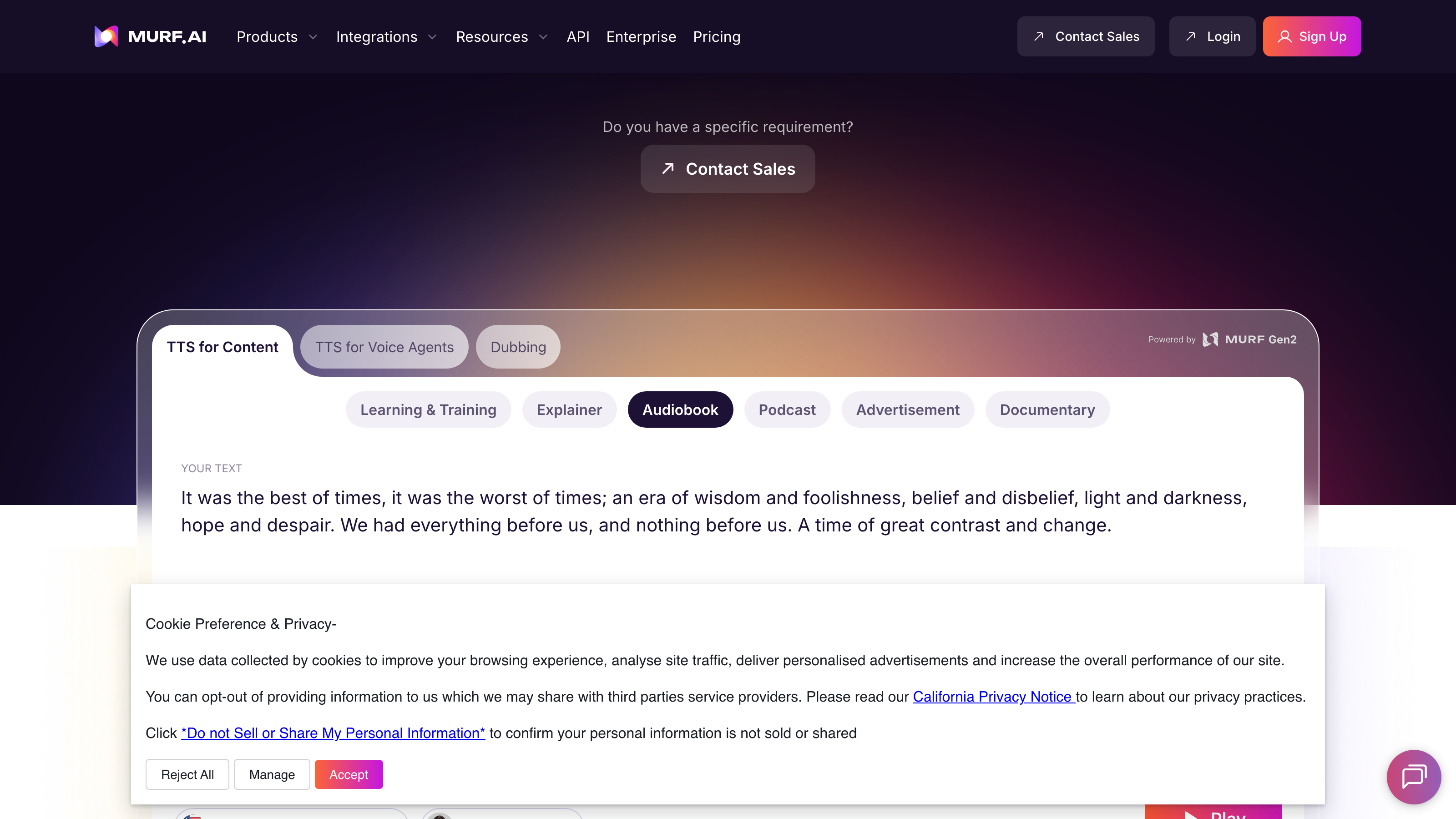
Murf Review: AI Voice Generation Platform Worth It?
TL;DR
Murf is a cloud-based text-to-speech and voice generation platform built for content creators, marketing teams, educators, and enterprise teams. It converts written scripts into lifelike voiceovers using 200+ AI voices across 30+ languages, and supports voice cloning, subtitle generation, and automation at scale. Based on verified vendor data as of July 2026, the Creator plan starts at $19/month and the Business plan at $66/month - solid, transparent pricing for teams that need professional audio without booking a recording studio.
Murf Review: What Is This Platform?
Murf was built to solve one specific, genuinely frustrating problem: getting professional-quality audio without coordinating studio time or hunting down voice talent. Anyone who's been through that process knows how much time disappears into scheduling, revisions, and licensing conversations before a single file gets exported.
Instead of stitching together separate tools for narration, localization, and audio editing, Murf pulls text-to-speech, voice cloning, dubbing, and multilingual support into one web-based interface. No software installs. No local dependencies. The whole thing runs in a browser, which makes collaboration and version control dramatically less painful than a traditional recording pipeline.
The engine underneath all of this is Murf Falcon - Murf's proprietary voice AI that powers the text-to-speech API. Teams producing e-learning courses, corporate training, video ads, or branded audio content can generate, edit, and export studio-ready audio without leaving a browser tab. It's genuinely convenient once you're in the habit of it.
Murf serves a wide range of users, from solo creators testing the free tier before committing to a cent, all the way to enterprise teams that need custom voice agents and data residency compliance. That free tier matters - it actually lets you hear what the output sounds like before you pull out a credit card. Pricing and feature details in this Murf review were verified from the official Murf site in July 2026.
Key Features
200+ AI Voices with Styles and Tonalities
More than 200 AI voices. Different ages, genders, accents, speaking styles. You can adjust tonalities - conversational, newscast, authoritative - to fit the content. That's useful in a very practical way: one account can handle a children's e-learning module in the morning and a formal corporate explainer in the afternoon without sourcing separate voice talent for either.
Voice Cloning
Murf's custom voice cloning captures tone, pitch, and cadence from a recorded audio sample and builds a synthetic replica from it. For brands that want consistent audio identity across hundreds of videos, or for creators who want their own voice scaled without recording every line manually, this is a real time-saver. Enterprise buyers can pair it with data residency controls if compliance is a concern.
Text-to-Speech API (Murf Falcon)
Here's where Murf separates itself from simpler consumer-grade tools. The Murf Falcon API lets developers plug voice generation directly into their own applications or content pipelines - no manual browser steps every time. If you're running automated content workflows at volume, this is the feature that makes Murf worth serious consideration.
Multilingual Support - 30+ Languages and Accents
Murf covers 30+ languages and accents. Its conversational AI agents can shift between languages mid-session, which isn't just a checkbox feature - it's genuinely useful for marketing teams running localized campaigns and learning platforms serving international audiences. Not every platform can say the same honestly.
Say It My Way and Pronunciation Library
This one's easy to overlook until you've heard an AI voice mangle your brand name for the sixth time. "Say It My Way" lets you record the correct pronunciation of a specific word and have the AI apply that style going forward. The Pronunciation Library stores those corrections for reuse across projects. Together, they quietly fix one of the most persistent irritations in AI voice work - mispronounced proper nouns, brand names, and technical terms that generic models consistently butcher.
Google Slides Integration
Murf connects directly to Google Slides, letting you add AI voiceovers to presentations without exporting files or switching platforms. It's a focused integration, not a flashy one. But if your team lives in Google Workspace and produces narrated presentations regularly, removing that extra export-and-import step saves real time over weeks and months.
Subtitle Generation
Automatic subtitle generation is built in, and the captions sync with the generated audio. For video creators publishing on YouTube or producing training content, captions have become a baseline expectation - not an optional extra. Having this built into the same tool removes the need for a separate transcription service in most standard use cases.
Royalty-Free Stock Media
Murf bundles royalty-free background music and sound effects into the platform. You can build a complete audio production without hunting licenses from a separate service. Royalty-free means you can use the content commercially without per-use fees stacking up each time you publish. That's worth something if you're producing at volume.
Murf Pricing: Plans and What You Get
Murf runs a freemium model with four tiers. All figures are listed in monthly terms.
- Free: $0/month - 10 projects, 10 minutes of voice generation, 1 editor seat. Good for testing output quality. Not realistic for ongoing production work.
- Creator: $19/month - 100 projects, 24 hours per year of voice generation, 1 editor seat. Built for independent creators and solo professionals who produce audio regularly.
- Business: $66/month - 500 projects, 96 hours per year of voice generation, 1 editor seat. Aimed at small-to-mid teams handling higher content volumes - marketing departments, learning and development teams, that kind of operation.
- Enterprise / Custom: Contact Sales - Unlimited voice generation, custom project limits, custom editor seats, enterprise-grade security and support, data residency. Pricing isn't publicly listed, which means you can't benchmark costs without talking to sales first.
Now here's the thing that catches teams off guard: every paid plan below Enterprise includes only one editor seat. One. If you need two or more editors working simultaneously, you're negotiating at the Enterprise level without a public rate to compare against. That's a real planning headache for agencies and growing teams trying to set a budget before getting on a call.
Who This Murf Review Recommends It For
Marketing teams running localized campaigns. Murf's multilingual support and voice cloning make it genuinely practical for producing video ads in multiple languages without re-hiring talent for each region. The text-to-speech API supports automated asset generation, which cuts turnaround time significantly for paid advertising workflows that need frequent creative refreshes.
Educators and instructional designers. Murf handles AI-generated learning content and corporate training modules well. The Pronunciation Library, subtitle generation, and wide voice variety let educators build accessible, professionally narrated lessons without needing audio production expertise or a recording setup.
Podcasters and solo content creators. At $19/month, the Creator tier gives podcasters and video creators a cost-effective path to narrated content, voiceover work, or AI-hosted formats - without the overhead of a physical recording setup. It's not glamorous. It just works.
Corporate communications teams. Google Slides integration, formal voice styles, and consistent brand voices built through voice cloning make Murf a natural fit for internal communications, executive briefings, and HR content produced at scale.
Video editors in post-production. Subtitle generation, royalty-free stock media, and multi-language dubbing reduce the tool count in a typical editing pipeline. Exporting studio-ready audio from a browser removes local software dependencies entirely - and on a deadline, that simplicity matters.
Not a fit - teams needing real-time or live voice synthesis. Murf generates audio from text input. It's not built for real-time voice applications like live customer service calls or interactive gaming audio. Murf does offer conversational AI agents that cover some interactive scenarios, but low-latency live audio generation at scale isn't its core strength. Teams building live audio pipelines should look at platforms built specifically for that infrastructure.
Murf Alternatives Worth Considering
ElevenLabs - If voice cloning quality and API depth are your top priorities, ElevenLabs is the closest competitor to seriously evaluate. It's recognized for high-quality emotional voice rendering. What it doesn't bundle is the subtitle generation, stock media, and Google Slides integration that Murf includes. Different priorities lead to different answers here. [INTERNAL_LINK: elevenlabs-review]
Descript - Targets video editors and podcasters who want transcript-based editing alongside audio and video production. Descript includes voice tools, but they live inside a broader video editing environment. If you want one tool for video cutting and audio generation together, Descript's approach may suit you better than Murf's audio-first workflow. [INTERNAL_LINK: descript-review]
Speechify Studio - Focuses on text-to-speech and voice cloning with an emphasis on accessibility and ease of use. It competes on simplicity and mobile access. Murf is generally more feature-complete for production workflows, but Speechify is worth a look for individual creators with straightforward narration needs who don't need API access or multi-language dubbing. [INTERNAL_LINK: speechify-studio-review]
Frequently Asked Questions About Murf
Does Murf offer a free plan?
Yes. The free tier is $0/month and includes 10 projects and 10 minutes of voice generation with 1 editor seat. It's enough to test voice quality and explore the interface - but it's not designed for ongoing production use. Once you hit the free limits, you'll need to upgrade to the Creator plan at $19/month.
Can I clone my own voice with Murf?
Yes. Murf supports custom voice cloning, letting you create a synthetic version of your own voice or a brand spokesperson's voice from a recorded audio sample. Access to this feature may vary by pricing tier - Enterprise buyers get the most flexibility around custom voice configurations, based on verified vendor information.
Is there a Murf API for developers?
Yes. The Murf Falcon text-to-speech API lets developers integrate voice generation into external applications, content pipelines, or automated workflows without manual browser-based steps. API access details and rate limits for specific tiers are worth confirming directly with Murf's team, since they aren't fully disclosed in public pricing pages.
How many languages does Murf support?
Murf supports 30+ languages and accents. It also includes multilingual voice agents with language switching - meaning the agents can transition between languages within a single session. That's relevant for global content teams and customer-facing voice deployments serving audiences across multiple regions.
Does Murf generate subtitles automatically?
Yes. Subtitle generation is built in and synchronized with the generated audio. For video creators publishing on platforms that expect or require captions, this removes the need for a separate transcription service on most standard voiceover projects.
How does Murf compare to other AI voice generation tools?
Murf competes most directly with ElevenLabs on voice cloning and multilingual support, and with Descript on integrated production workflows. Where it stands apart is the combination of subtitle generation, royalty-free stock media, Google Slides integration, and the Pronunciation Library all sitting inside one subscription - reducing how many separate tools a content team has to maintain and pay for. [INTERNAL_LINK: best-ai-voice-generation-tools]
Is Murf suitable for enterprise teams?
Yes, with caveats worth taking seriously. The Enterprise tier includes unlimited voice generation, custom editor seats, data residency, and enterprise-grade security. But Enterprise pricing isn't public. If you're evaluating Murf for a large-scale or regulated deployment, start the sales conversation early and ask specifically about per-seat costs, generation limits, and compliance certifications before you commit to anything.
Final Verdict: Is Murf Worth It?
Murf is a capable, well-rounded AI voice generation platform for teams producing audio content at real scale. The combination of 200+ voices, voice cloning, multilingual support, subtitle generation, and the Murf Falcon API makes it genuinely competitive against specialized tools that only cover one or two of those functions.
This Murf review finds the strongest fit for marketing teams, educators, and corporate communications departments that need consistent, professional-quality audio without a traditional recording workflow. The freemium entry point and transparent Creator ($19/month) and Business ($66/month) pricing make initial evaluation low-risk and straightforward.
The main limitation is specific enough to call out clearly: the single editor seat on all non-Enterprise plans is a real friction point for collaborative teams. If you need more than one simultaneous editor, you're heading into Enterprise pricing without a public rate to benchmark against. Ask specifically about per-seat costs and annual generation limits before you sign anything.
For solo creators and small teams with moderate output volumes, Murf's Creator or Business tiers deliver a defined feature set at a clear price. For larger teams, treat the Enterprise sales conversation as a required step in your buying process - not something to circle back to later once you've already decided.
The facts.
Pulled from Murf’s own pages and dated so you can see how current each one is. Anything we could not confirm is left out rather than guessed.
- Free tier
- Yes checked Oct 2026
- Starting price / month
- $19/mo checked Oct 2026
- Cheapest paid tier
- $19/mo checked Oct 2026
- Pricing model
- Flat checked Oct 2026
- API access
- Yes checked Oct 2026
- Platforms
- web, api, plugin checked Oct 2026
- Enterprise plan
- Yes checked Oct 2026
Murf pricing.
Pricing extracted from Murf's site. Confirm before buying.
Pros & cons.
We don’t publish star ratings we can’t defend. These come from running Murf on live briefs.