HeyGen
HeyGen is an AI-powered video generation platform that transforms text, images, presentations, or PDFs into complete videos with realistic AI avatars, voiceovers, and lip-sync. Users can create full-length videos without cameras, crew, or editing skills, with support for 175+ languages and dialects.
We may earn a commission if you sign up through our link · Affiliate disclosure
Facts verified:
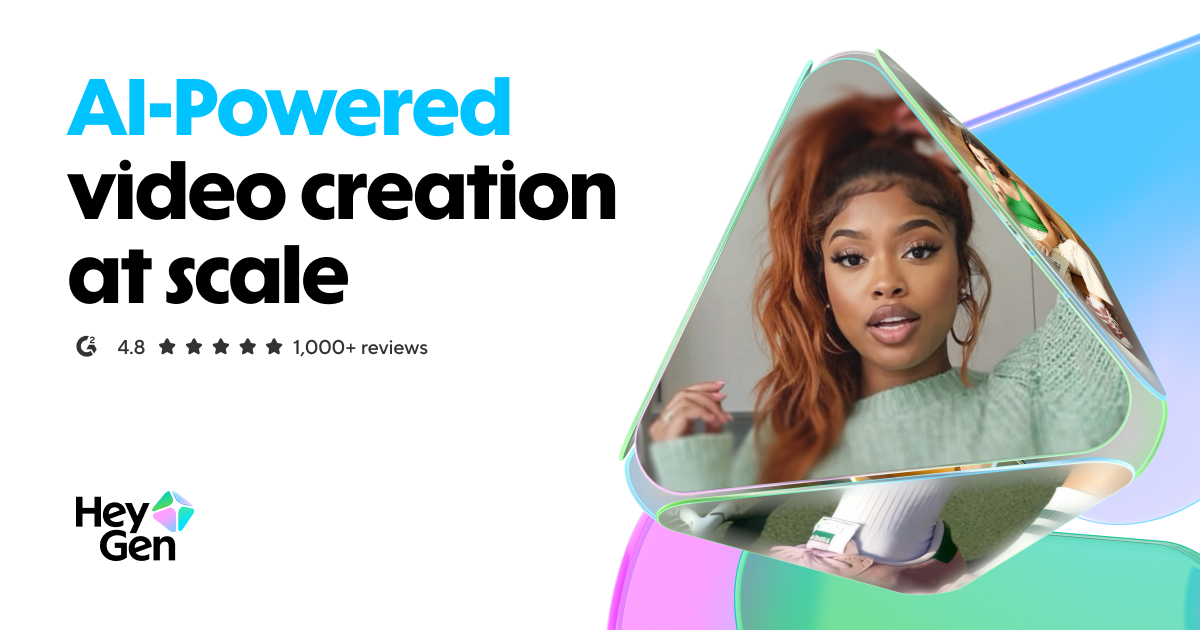
HeyGen Review: AI Avatar Video Generator That Cuts Production Costs Without Cutting Corners
TL;DR
This HeyGen review covers an AI-powered video creation platform that turns text, images, and presentations into polished videos using realistic avatars and voice cloning. Paid plans start at $29/month, as verified from the official HeyGen site in July 2026. HeyGen targets content creators, marketing teams, and businesses that need consistent video output without traditional production overhead.
Overview
Video production has a cost problem. Hiring talent, booking studio time, coordinating editors, and managing post-production can drain a small team's entire quarterly budget on a handful of videos. HeyGen addresses that directly by letting users create professional-looking video content from a script, a set of slides, or even a photo - no camera crew required.
The platform is cloud-based and runs entirely in the browser, which keeps the barrier to entry low. There is also an API for teams that want to embed video generation into their own workflows or build automations on top of the platform.
HeyGen's feature set covers Text-to-Video Generation, Voice Cloning, multilingual dubbing, and product ad creation. It is particularly strong for teams that need to produce content at scale across multiple languages or verticals.
The platform carries a Trending badge in the AI tools space, which reflects real market momentum. That traction also invites closer scrutiny, and this HeyGen review holds the product to the same standard regardless.
Pricing and feature details in this review were verified from the official site in July 2026.
Key Features
AI Avatar Generator and Digital Twin
The AI Avatar Generator creates realistic digital presenters that deliver scripted content with natural-looking gestures and lip sync. The Digital Twin feature goes further - it lets users build a personalized avatar modeled on themselves, which is useful for corporate communications teams or educators who want a consistent on-screen presence without recording every session.
HeyGen has released Avatar V, the latest version of its avatar technology. The free tier includes access to Avatar IV and Video Agent. Paid tiers provide access to Avatar V, though the platform does not publicly detail the specific capability differences between the two versions on its general marketing pages.
Text-to-Video Generation and AI Studio
The AI Studio functions as a text-based video editor. Users write or paste a script, and the platform builds a video around it using the selected avatar, background, and voice settings. This is the core workflow for most users: script in, video out.
PowerPoint and PDF imports extend this further. Existing presentations can be converted directly into narrated video content, which is a practical shortcut for corporate training or educational video production.
Video Translation and Dubbing
Video Translation and Dubbing is one of the more differentiated features in the product. Users can take an existing video and have HeyGen revoice it in another language, with the avatar's lip movements adjusted to match the new audio. This matters for marketing teams running campaigns across multiple regions or educators distributing content internationally. It reduces what would otherwise be a significant localization cost - one that traditionally requires separate agencies. The full list of supported languages is not detailed in publicly available pricing pages.
Voice Cloning
Voice Cloning lets users create a synthetic version of their own voice (or a licensed voice) to use across generated videos. Combined with the Digital Twin avatar, a user could produce video content that looks and sounds like them without recording new footage each time. The accuracy of cloned voices depends on input quality - HeyGen does not publicly detail the minimum recording length required on its marketing pages.
Photo-to-Video
The Photo-to-Video feature converts static images into animated video content. This is useful for e-commerce teams that have product photography but no video assets, or for social media content where motion typically drives higher engagement than static posts.
Product Ads and UGC Ads
HeyGen includes dedicated tooling for Product Ads and UGC Ads (user-generated content style ads). UGC Ads mimic the informal, creator-style video format that performs well on platforms like TikTok and Instagram Reels. This positions HeyGen not just as a general-purpose video tool but as a direct competitor in the paid social creative space. Teams running paid social media or display advertising campaigns can generate ad creative directly inside the platform.
Video Agent
Video Agent is available on the free tier, which suggests it functions as an entry-level interactive or automated video capability. The platform does not fully detail this feature's scope in public-facing materials, so buyers should test it directly before building workflows around it.
4K Video Export
4K video export is available on the Pro plan at $49/month and above. The Creator plan at $29/month is capped at 1080p. For most social media use cases, 1080p is sufficient - but video teams producing content for large displays or broadcast contexts will want to account for this when choosing a plan.
HeyGen: Pricing
HeyGen uses a freemium pricing model with four published tiers.
Free - $0/month: Includes 3 videos per month, videos up to 1 minute in length, and access to Avatar IV and Video Agent. This tier is realistic for initial evaluation but not for production use.
Creator - $29/month: Includes 600 credits, videos up to 30 minutes, and 1080p video export. This is the entry point for solo creators or small teams doing consistent output.
Pro - $49/month: Includes 1,000 credits, videos up to 30 minutes, and 4K video export. The 400 additional credits and resolution upgrade make this the better option for teams producing high-volume or high-quality content.
Business - $149/month plus $20 per seat per month: Built for teams that need collaboration features and multi-user access. The per-seat cost means pricing scales with team size, so larger teams should calculate total cost before committing.
Enterprise and Custom pricing is available but not publicly listed. Buyers with large-scale needs should contact HeyGen directly for a quote.
HeyGen does not specify whether unused credits roll over month to month. That is worth confirming before subscribing.
Who It's Best For
Content Creators and Video Creators: Solo creators producing educational content, tutorials, or explainer videos can replace camera time with avatar-driven production. The Creator plan at $29/month gives enough credits for regular output without a large upfront commitment.
Marketing Teams: Teams managing campaigns across multiple channels - organic social, paid social, video advertising - benefit from the platform's ability to produce volume at speed. The Product Ads and UGC Ads features are particularly relevant for performance marketing workflows.
Agencies: Agencies handling video content for multiple clients can use the Business plan's collaboration features. The multilingual dubbing and translation tools are valuable for agencies serving international clients.
Educators and Corporate Training Teams: The PowerPoint and PDF import feature makes this a practical tool for converting existing training materials into narrated video. AI-generated training materials and educational videos are both realistic outputs from HeyGen's existing feature set.
E-Commerce Brands: Photo-to-Video and Product Ads tooling gives product-focused brands a path from static photography to video creative without a production shoot.
Not the right fit - budget-conscious users who need high output volume: The credit system means heavy users will hit plan limits. Someone producing dozens of long-form videos monthly will find the credit caps restrictive on the Creator or Pro plan, and the jump to Business pricing (starting at $149/month plus per-seat fees) is significant. Users primarily focused on audio content without video should consider dedicated voice generation tools instead.
Alternatives
Synthesia: One of the closest direct competitors to HeyGen, Synthesia also offers avatar-driven video generation with multilingual support. Synthesia's pricing structure and avatar library differ, so buyers comparing the two should evaluate avatar realism and language coverage side by side.
Runway: Runway focuses more on generative video editing capabilities rather than avatar-led presentations. It is a stronger fit for creative video teams who need generative effects and scene editing rather than scripted avatar delivery.
Descript: Descript approaches video editing from a text-editing angle with AI-powered features including voice cloning and overdub. It is a better option for podcast-style video or interview content where a talking-head avatar is not the goal.
FAQ
How does HeyGen's credit system work? Credits are consumed each time you generate a video. The Creator plan includes 600 credits per month, and the Pro plan includes 1,000 credits. HeyGen does not publicly detail the per-video credit cost on its marketing pages, so buyers should test on the free tier and contact support for detailed usage estimates before upgrading.
Can HeyGen create videos in multiple languages? Yes. The Video Translation and Dubbing feature can revoice existing videos in other languages with lip-sync adjustment. This supports use cases like international marketing campaigns and localized training content. The full list of supported languages is not detailed in publicly available pricing pages.
Is HeyGen suitable for enterprise teams with strict security needs? The platform offers Enterprise Security and Compliance features on its Enterprise plan, but specific terms - including data residency, SOC 2 compliance status, and audit logs - are not publicly listed. Enterprise buyers should request a detailed security overview directly from HeyGen before committing.
What is the difference between Avatar IV and Avatar V? The free tier gives access to Avatar IV and Video Agent. Avatar V is HeyGen's latest avatar model. The platform does not publicly detail the specific quality or capability differences between the two versions on its general marketing pages - paid plan users likely get access to the newer model.
Does HeyGen offer a free trial for paid features? The free plan provides 3 videos per month with 1-minute video limits, which functions as an ongoing free tier rather than a time-limited trial. This gives users access to basic features indefinitely, but evaluating full functionality - longer videos, 1080p or 4K export, higher credit volumes - requires upgrading to a paid plan.
HeyGen: Final Verdict
HeyGen solves a real problem: it makes video production accessible to teams and individuals who lack studio infrastructure, production budgets, or on-camera talent. The combination of AI Avatar Generator, Digital Twin, Voice Cloning, and Video Translation and Dubbing covers a wide range of use cases from corporate training to multilingual advertising. The free tier offers enough access to evaluate output quality before spending anything, which lowers the risk of committing to a paid plan.
The ideal buyer is a marketing team, agency, or content creator who needs consistent, polished video output at a pace that traditional production cannot match. The Creator plan at $29/month is a reasonable starting point. The Pro plan at $49/month makes sense for anyone who needs 4K export or the additional 400 monthly credits.
The main caveat is cost predictability. The opaque credit system and per-seat Business pricing can lead to unexpected bills for heavier users or growing teams. Before committing to any paid plan, buyers should map their expected monthly video volume against the credit limits and confirm rollover policies directly with HeyGen.
The facts.
Pulled from HeyGen’s own pages and dated so you can see how current each one is. Anything we could not confirm is left out rather than guessed.
- Free tier
- Yes checked Oct 2026
- Starting price / month
- $29/mo checked Oct 2026
- Cheapest paid tier
- $29/mo checked Oct 2026
- Pricing model
- Per seat checked Oct 2026
- API access
- Yes checked Oct 2026
- Platforms
- web, api checked Oct 2026
HeyGen pricing.
Pricing extracted from HeyGen's site. Confirm before buying.
Pros & cons.
We don’t publish star ratings we can’t defend. These come from running HeyGen on live briefs.